How to Layer Iron-On Vinyl with Cricut (Easy 2-Color T-Shirt Tutorial)
Learn How to Layer Iron-On Vinyl with Cricut (Easy 2-Color T-Shirt Tutorial). Easy step-by-step tutorial perfect for beginners.

How to Layer Iron-On Vinyl with Cricut (Easy 2-Color T-Shirt Tutorial) is the perfect project if you’ve ever wanted to make a Cricut shirt with multiple colors. Learning how to layer iron-on vinyl might look complicated, but it’s actually one of the easiest ways to create professional-looking designs at home.
In this beginner-friendly tutorial, I’ll show you exactly how to layer iron-on vinyl with a Cricut to make a simple 2-color t-shirt. This method works even if it’s your very first Cricut project.
👉If you’re brand new to Cricut, start with my beginner Cricut Explore Air 2 guide:
What Is Layering Iron-On Vinyl?
Layering iron-on vinyl (also called heat transfer vinyl or HTV) means applying multiple vinyl designs on top of each other to create a multi-color image. Instead of cutting one solid design, you cut separate pieces for each color and apply them in layers.
If you’re still learning the basics of working with materials and tools, this beginner-friendly tutorial will help you get comfortable before layering:

How to Layer Iron-On Vinyl with Cricut (Easy 2-Color T-Shirt Tutorial)
(As an Amazon associate, I earn from qualifying purchases)
✂️ What You Need to Make a 2-Color Cricut Shirt
- Cricut cutting machine (Maker, Explore, or Joy Xtra)
- StandardGrip cutting mat
- Two colors of Cricut Iron-On (HTV)
- Weeding tool
- T-shirt (cotton or cotton blend works best)
- Cricut EasyPress or household iron
- Cricut Heat Mat or folded towel
- Design from Cricut Design Space or your own custom SVG (I bought mine from this Etsy seller)


Step 1: Choose and Prepare Your Design
Open Cricut Design Space and choose a layered design—or make your own! Make sure each color in your design is on a separate layer.
Tip: Pick colors that contrast nicely so your design really pops.
Once you’ve finalized the design, size it to fit your T-shirt. A good rule of thumb for adult tees is 10–11 inches wide across the chest.
If you’re new to Design Space, this beginner Cricut guide walks through the basics.
Looking for more Cricut Projects?
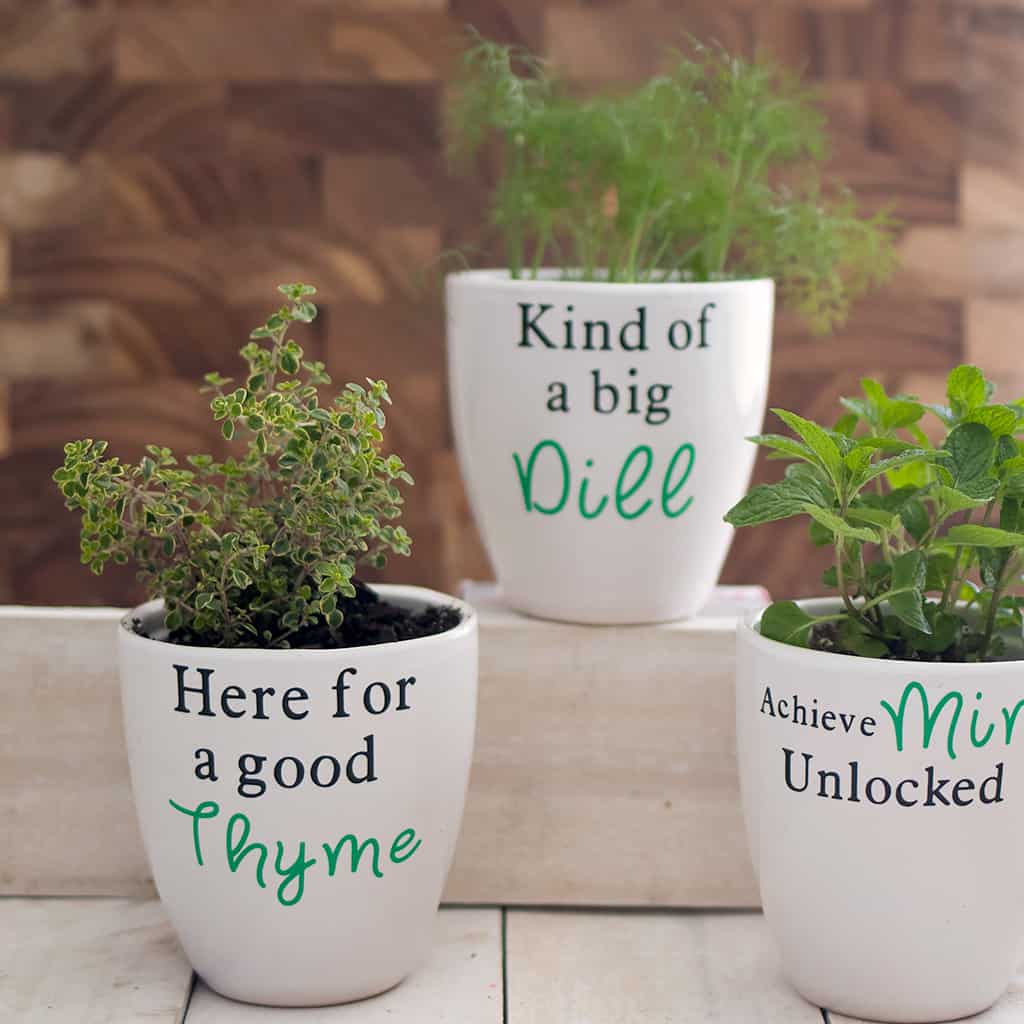
How to make Custom Flower Pots with Cricut
How to Etch Glass With Armour Etch and Cricut

Step 2: Cut Each Color
Select your first layer and click “Make It.”
Make sure Mirror is turned on (this is super important for iron-on vinyl!).
Place the vinyl shiny side down on your mat and cut.
Repeat the same steps for your second color.

Step 3: Weed the Design
Use your weeding tool to carefully remove the excess vinyl, leaving only your design on the clear liner. Do this for both colors.

Step 4: Press the First Layer
Preheat your T-shirt for 5 seconds to remove moisture and wrinkles.
Position your first color layer on the shirt (sticky side down).
Use your EasyPress at 315°F for 30 seconds (follow Cricut’s recommended heat guide for your specific vinyl type).
Peel the carrier sheet warm or cool, depending on your vinyl’s instructions.

Step 5: Add the Second Color
Now it’s time to add the second color!
Place the second vinyl layer on top, lining it up carefully with the first one.
Cover everything with a teflon sheet or parchment paper to protect the first layer.
Press again at 315°F for 30 seconds.
Peel the liner and admire your perfectly layered two-color design!

Step 6: Care Tips
Let your T-shirt cool completely before wearing.
Wait at least 24 hours before washing.
Wash inside out on cold and tumble dry low to keep your design looking new.
Tips for Layering Iron-On Vinyl Successfully
If you’re new to layering vinyl, these tips will make a big difference.
Avoid pressing the first layer for too long, or it can become too adhered and won’t bond well with additional layers. Always work from the bottom layer up, starting with the largest design piece. Use even pressure when pressing to avoid lifting or bubbling. Let the vinyl cool slightly before peeling to prevent shifting.
If you enjoy beginner-friendly Cricut projects like this, you may also like this easy tutorial:
👉 How to Etch Glass with Armour Etch and Cricut
Common Problems When Layering Vinyl (and How to Fix Them)
One common issue is vinyl peeling after pressing. This usually happens if the shirt wasn’t preheated or enough pressure wasn’t applied. Another issue is layers not lining up properly—this can be fixed by carefully positioning each layer before pressing.
If you like step-by-step tutorials, you’ll also find this beginner-friendly sewing project helpful:
👉 Free T Shirt Sewing Pattern for Boys and Girls
What Type of Vinyl Works Best for Layering?
Not all heat transfer vinyl is designed for layering. Standard iron-on vinyl works well for most projects, but some specialty finishes like glitter or holographic vinyl may not layer easily.
If you’re just getting started with DIY projects, you may enjoy browsing more beginner-friendly tutorials here:
👉 Gina Michele Free Knitting Patterns
Easy Cricut Projects to Try Next
Once you’ve mastered layering iron-on vinyl, you can use the same technique for other creative projects.
If you enjoy making wearable DIY projects, you might also like:
👉 How to Knit a Hat on Striaght Needles
Or explore more beginner-friendly handmade projects here:
👉 Easy Flat Knit Plush Cat Knitting Pattern
This is usually due to not enough heat, pressure, or preheating the fabric.
FAQ: How to Layer Iron-On Vinyl with Cricut
Can you layer iron-on vinyl with a Cricut machine?
Yes, you can absolutely layer iron-on vinyl with a Cricut machine, and it’s one of the easiest ways to create multi-color designs at home. Cricut machines like the Explore Air 2 are designed to cut precise shapes that can be applied in layers, allowing you to build more detailed and professional-looking projects. Even beginners can learn how to layer iron-on vinyl quickly by starting with simple two-color designs like t-shirts or tote bags before moving on to more complex projects.
Do you have to mirror iron-on vinyl for every layer?
Yes, every layer of iron-on vinyl must be mirrored before cutting. Because iron-on vinyl is applied face down and then flipped onto your fabric, failing to mirror your design will result in a reversed image. This is especially important when layering multiple colors, since each piece needs to align perfectly when pressed onto the shirt. Always double-check that the mirror setting is turned on in Cricut Design Space before cutting each layer.
What is the best way to layer iron-on vinyl without ruining the first layer?
The key to layering iron-on vinyl successfully is using shorter press times for the first layer. Instead of fully pressing the base layer, apply heat just long enough for it to stick temporarily. This prevents the adhesive from over-bonding and allows additional layers to adhere properly on top. Once all layers are in place, you can do a final full press to secure the entire design. Using even pressure and a flat surface also helps prevent shifting and bubbling.
Why is my layered vinyl peeling off after pressing?
Peeling usually happens when there isn’t enough heat, pressure, or preparation. If the fabric wasn’t preheated, moisture can prevent the vinyl from sticking properly. Uneven pressure or moving the iron during pressing can also cause parts of the design to lift. Another common issue is peeling the carrier sheet too quickly before the vinyl has cooled slightly. To fix this, always preheat your fabric, apply consistent pressure, and follow the recommended temperature and timing for your specific vinyl.
How many layers of iron-on vinyl can you use on a shirt?
Most Cricut projects work best with two to three layers of iron-on vinyl. While it is possible to add more layers, too many can make the design feel thick, stiff, and less comfortable to wear. Thicker designs may also have trouble adhering properly over time. For beginners, sticking to two layers is ideal because it’s easier to align and produces a clean, professional result.
What type of iron-on vinyl works best for layering?
Standard heat transfer vinyl (HTV) is the best choice for layering, especially for beginners. Basic matte or smooth vinyl layers easily and adheres well between applications. Some specialty vinyl types, like glitter, holographic, or foil, are not always designed to be layered and may require specific instructions. If you’re just starting out, using regular HTV will give you the most reliable and consistent results.
Can you layer iron-on vinyl with a regular household iron?
Yes, you can layer iron-on vinyl using a regular household iron if you don’t have a Cricut EasyPress. The key is to apply firm, even pressure and avoid using steam, as moisture can interfere with adhesion. Make sure to press straight down rather than moving the iron around, and check that the entire design receives consistent heat. While an EasyPress offers more precise temperature control, a standard iron works well for beginner projects.
Why are my vinyl layers not lining up correctly?
Misalignment usually happens when the layers shift during placement or pressing. To prevent this, take your time positioning each layer before applying heat. Many crafters find it helpful to lightly tack down the first layer so it stays in place while adding the second. Using alignment guides in Cricut Design Space can also help ensure your design lines up properly before cutting. Practicing with simple designs will make this process easier over time.
How do you wash a Cricut shirt with layered vinyl?
To keep your layered vinyl design looking its best, wait at least 24 hours before washing your shirt. Turn the garment inside out and wash it in cold water on a gentle cycle. Avoid using harsh detergents or bleach, and skip high heat in the dryer. Air drying or using a low heat setting will help preserve the vinyl and prevent lifting or cracking over time.
Is layering iron-on vinyl beginner-friendly?
Yes, layering iron-on vinyl is very beginner-friendly, especially when starting with a simple two-color design. Once you understand how to mirror your design, apply short press times, and align your layers, the process becomes straightforward and repeatable. It’s a great next step after learning the basics of using a Cricut and opens the door to more creative and personalized projects.
Learning how to layer iron-on vinyl with Cricut is one of the easiest ways to upgrade your projects and create custom, multi-color designs.
If you want to continue building your Cricut skills, start here:
👉 Beginner Guide to the Cricut Explore Air 2
Looking for more Fall Craft Projects, like this Cricut Iron on T shirt?
How to Make a Stenciled Doormat Without a Cricut Machine
How to Sew Fabric Pumpkins- Fast & Easy!
Scrap Yarn Pumpkin Knitting Pattern
How to Make a No-Sew Ghost Halloween Costume
I love seeing your finished projects! If you enjoyed making this post, How to Make a 2 Color Iron On T Shirt with Cricut, I’d love to see yours on Instagram, just tag me @ginamicheleny. Happy crafting!